The Companion App: SWTracker in your pocket
With the Companion App for iOS and Android your employees have everything they need on the go: time clock, monthly overview, duty roster, leave requests, personnel file, staff directory and team chat. Push notifications keep everyone up to date.
- On the market for over 10 years
- Servers in the EU, GDPR compliant
- Made in Germany
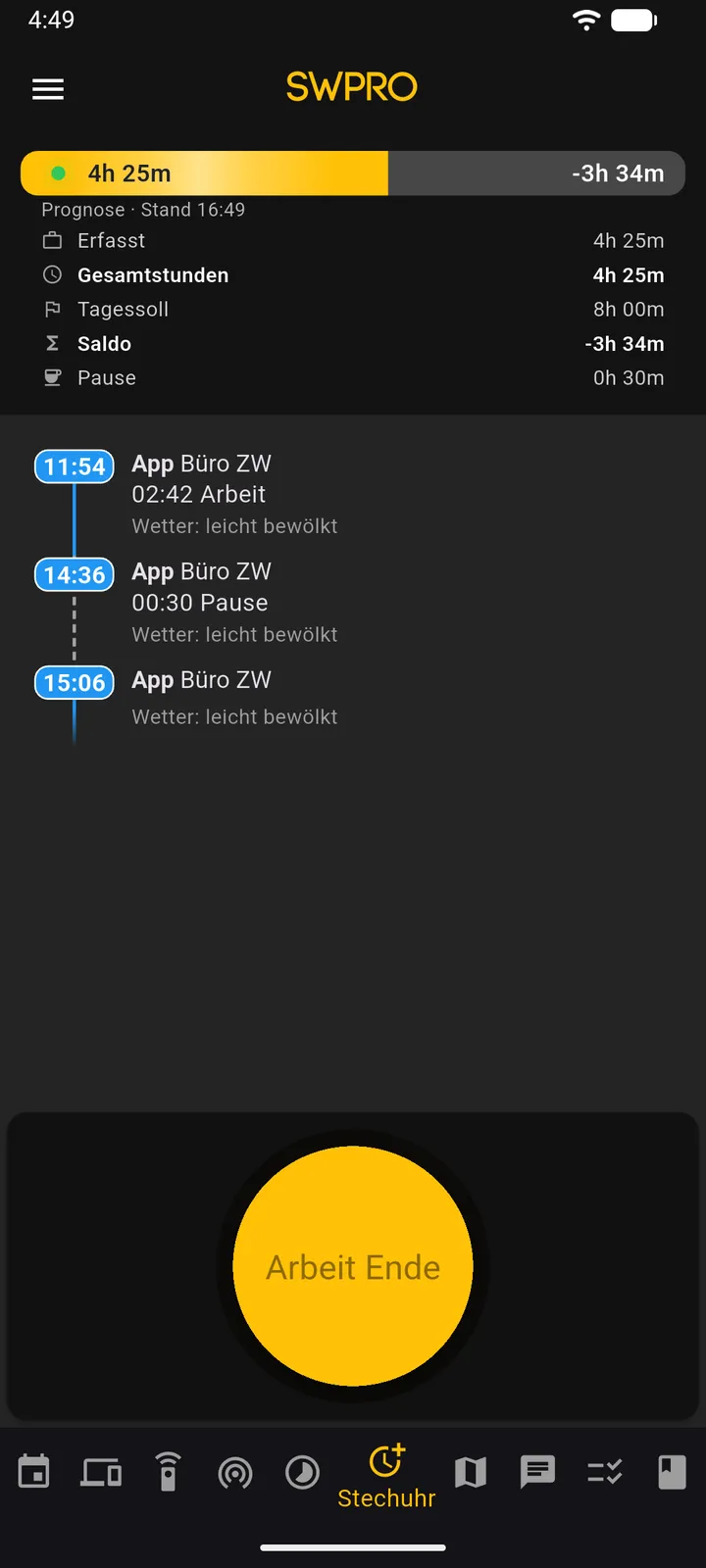
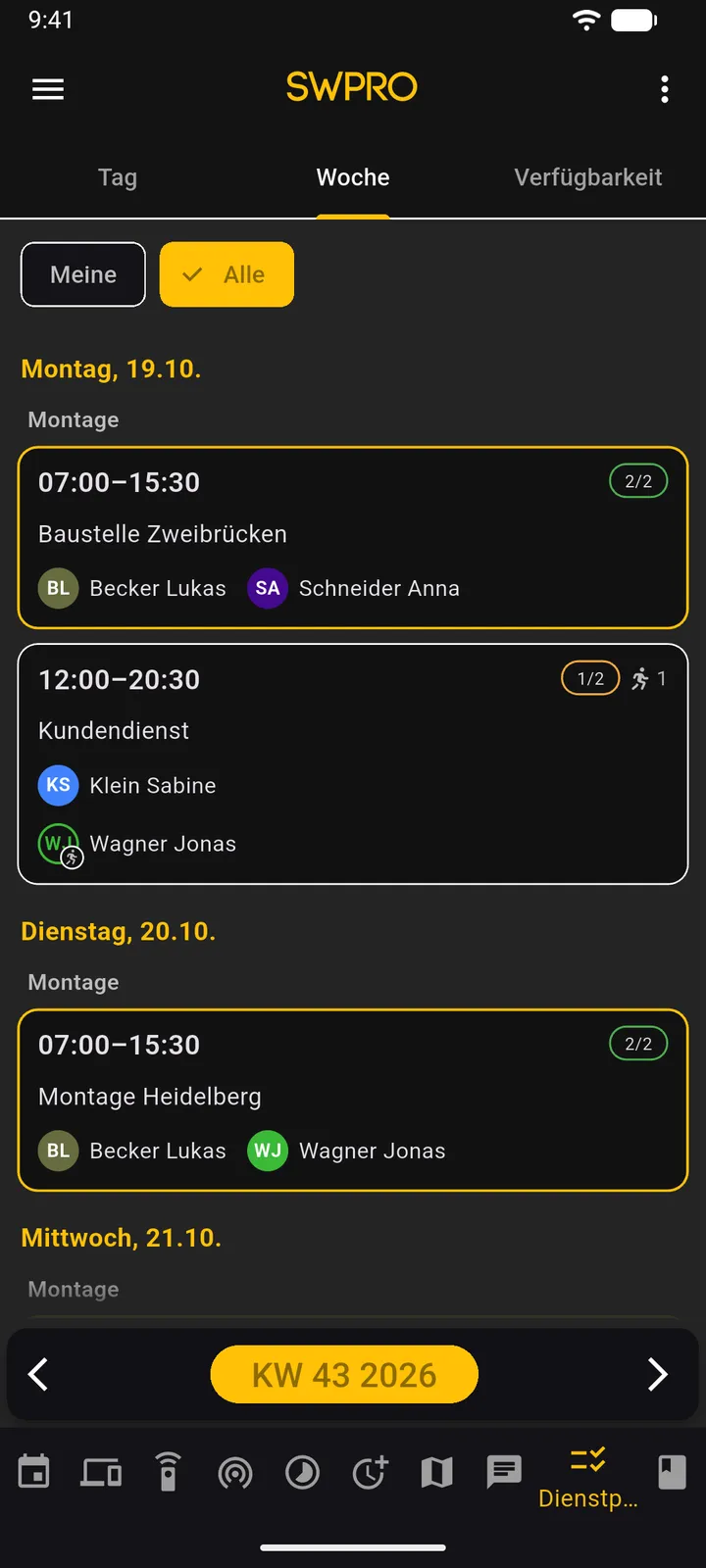
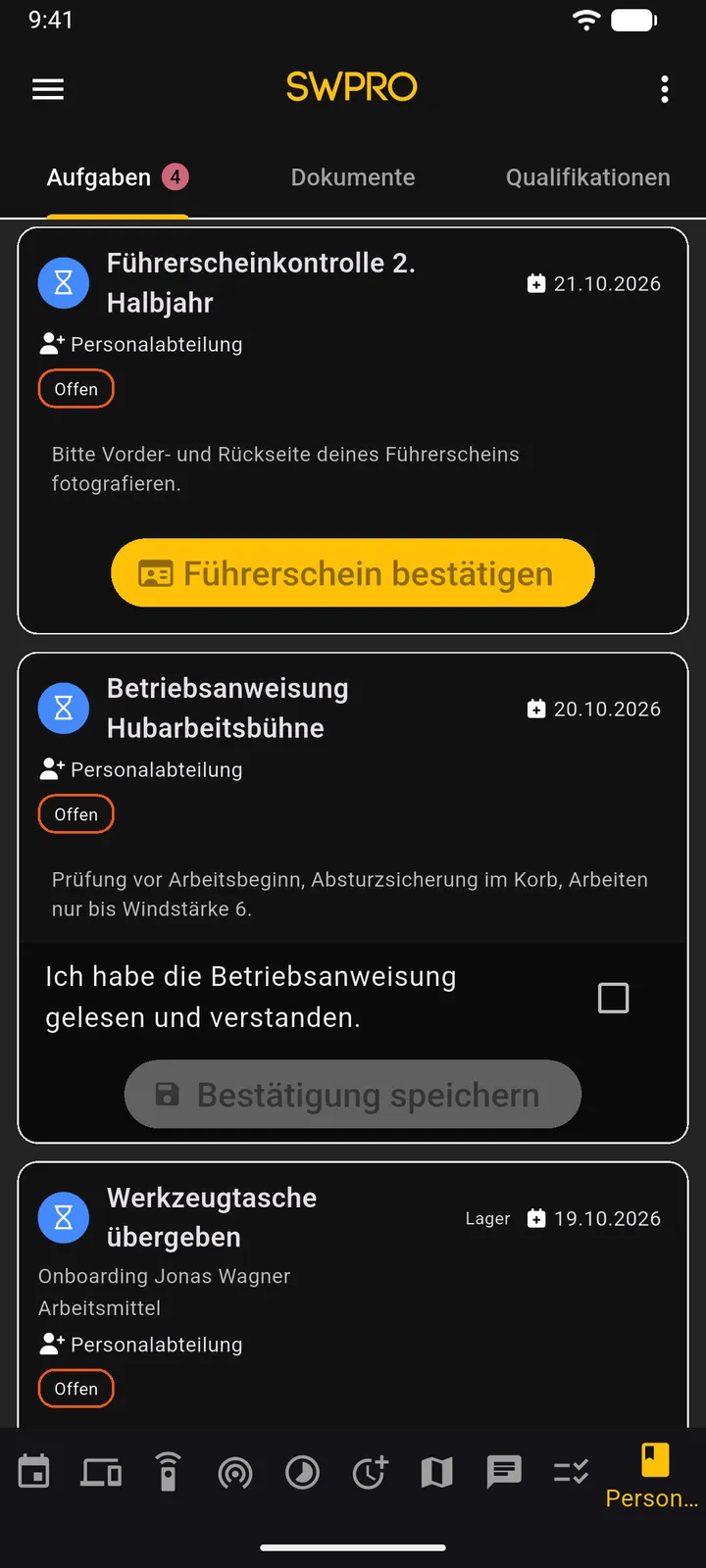
What the Companion App does
Time clock
Clock in and out with one tap, with working time, break and daily balance at a glance.
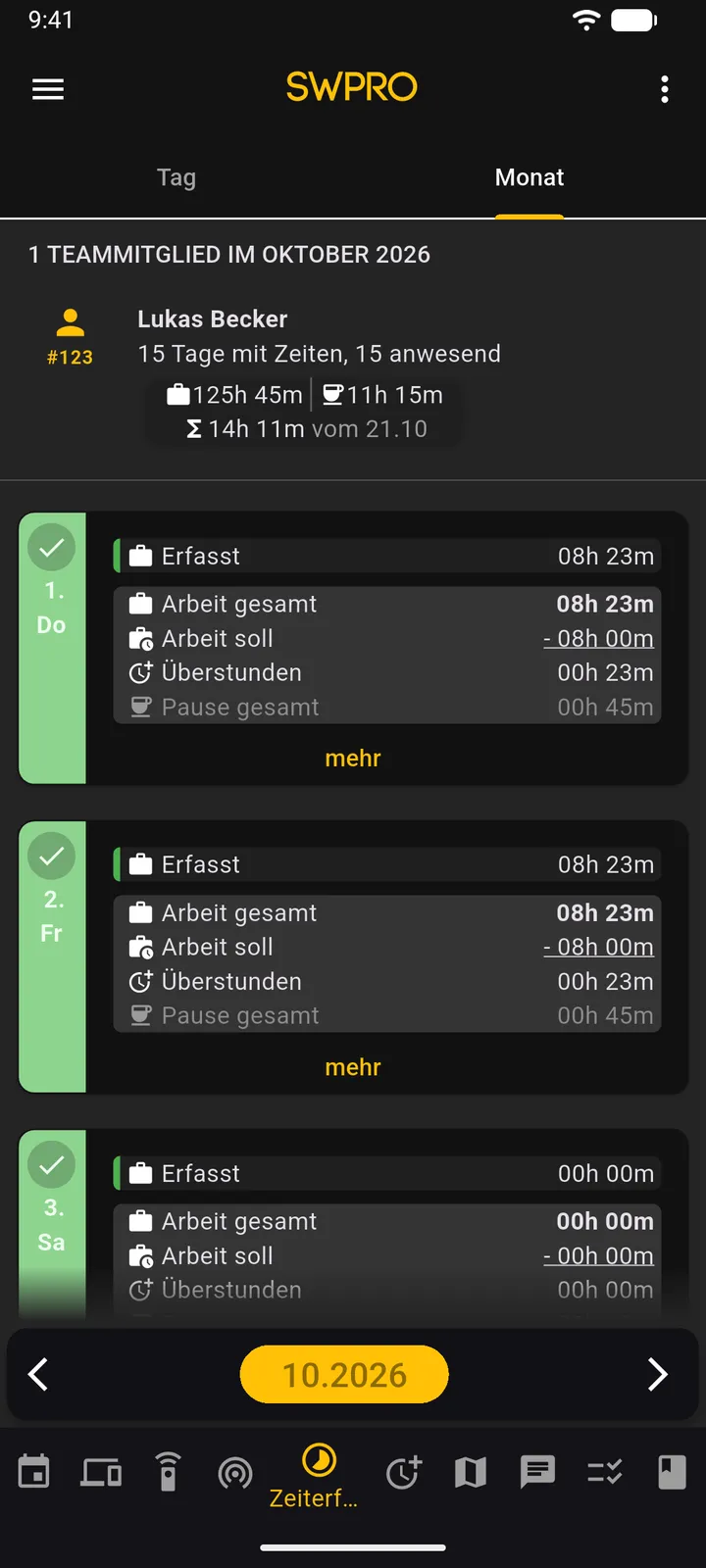
Monthly overview
Employees see their target hours, actual hours and overtime for the month at any time.
Duty roster and availability
View the week's shifts and report when you can work.
Request vacation
Vacation and absence requests straight from the app, with a notification as soon as a decision is made.
Personnel file and work instructions
View documents and confirm assigned work instructions directly in the app.
Team chat
End-to-end encrypted messages with file sharing.
Staff directory
Phone numbers and email addresses of all colleagues in one place. One tap is enough to call or write an email.
How it works
Download the app
The Companion App is available on the App Store and Google Play.
Sign in
Your employees sign in with their SWTracker login.
Get started
Clock in, check the duty roster and request vacation, right from the smartphone.
Plan and price
The Companion App is included in every plan, from €4.70 excl. VAT per employee and month with annual billing. Which features appear in the app depends on your plan.
View pricingFrequently asked questions
Which devices is the app available for?
For iOS and Android. The web app is also available in the browser.
Does the app work without internet?
The app needs an internet connection to clock in and out. Data that has already been loaded, such as projects and personnel files, stays available offline.
Are employees informed about news?
Yes. Push notifications inform them about schedule changes, vacation decisions and new messages.
Does the app cost extra?
No. The Companion App is included in every plan.
Try SWTracker free for 30 days
No credit card required, cancel anytime.